Code Maths And Diagrams
You write code, equations and diagrams in fenced blocks. A fence is a line of three backticks, and the lines between the opening and closing fences keep the spacing and line breaks you type. The word after the opening backticks, called the language word, sets what the block shows. Type python or another language name for coloured code, math for an equation or mermaid for a diagram, or leave the word out for plain code.
EtherPK draws equations and diagrams from their text each time it shows the document. The document file stores only the text, so other editors and agents can read and edit it as plain Markdown.
With the cursor outside a maths block or a diagram, you see the result. To edit the text, click the result, or press an arrow key on the line above or below to move into the block. While you edit, a diagram shows a live drawing below its text, but an equation shows only the text.
Everything inside a block is code. Markdown does not apply there, so a - [ ] line is not a task and a wikilink is not a link.
For a map, use the language word map. See Maps for more information.
Code blocks
To add a code block:
- On an empty line, type three backticks.
- Optional. Type a language word, such as
python. - Press Enter.
EtherPK adds the closing fence and puts the cursor on the empty line between the fences. You can also type / and select Code block in the command menu.
EtherPK colours code in the languages it knows, and shows plain code when the language word is misspelt or missing.
To give new blocks in a graph a language word, set Settings > General > Default code language. It applies only when you type nothing after the backticks. See Graph Settings for more information.
Backticks inside a code block
A closing fence needs as many backticks as the opening fence and must start in the same column. To show a line of three backticks as code inside a block, open the block with four:
````
```
- water the beans
```
````
Long lines of code
Code lines never wrap, because each line has to keep the indentation and shape you typed. A long line is cut off at the right edge of the block. Scroll sideways, or drag the scroll bar under the last line of code, to see the rest.
Keys in a code block
Inside a block, Enter always adds a line of code, so you leave the block with Ctrl+Enter.
| Key | What it does |
|---|---|
| Ctrl+Enter (Cmd+Enter on a Mac) | Leave the block. Under a bullet, open the next bullet. |
| Tab, Shift+Tab | Indent or outdent the current or selected code lines. On a fence line, indent or outdent the whole block, or the bullet that holds it. |
| Alt+Up, Alt+Down | Move a code line within the block. On a fence line, move the bullet that holds the block. |
| Backspace, Delete | Do not join a line across a fence. To remove a fence, press Ctrl+Backspace (Alt+Backspace on a Mac) just after the opening backticks. |
Code blocks under a bullet
A block under a bullet belongs to that bullet and lines up with its text, so the block moves, indents and folds along with the bullet. You can also open the fence on the bullet line itself.
- Gaussian integral
  ```math
  \int_0^\infty e^{-x^2}\,dx = \frac{\sqrt{\pi}}{2}
  ```
Maths blocks
For a maths block, use the word math and write LaTeX inside. While the cursor is outside the block, you see the equation typeset with KaTeX. Move the cursor into the block to edit the LaTeX.
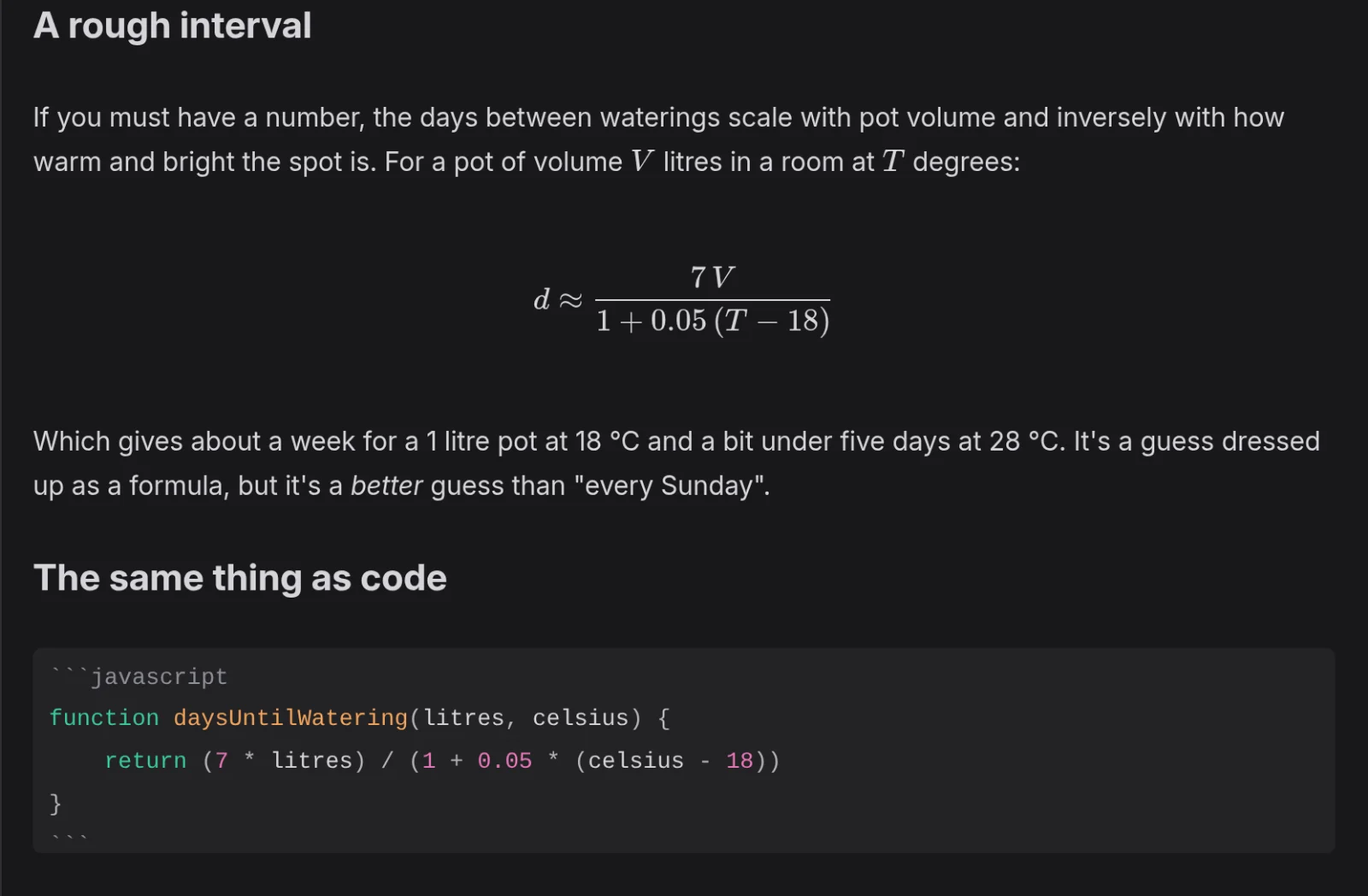
If the LaTeX has a mistake, all of the LaTeX shows in red where the equation would be, and hovering over the red text shows the error message.
Maths in a line of text
To put a formula in a line of text, write it between single dollar signs on the same line. EtherPK typesets it in place and shows the source while the cursor touches it.
The area of a circle of radius $r$ is $\pi r^2$.
A single dollar sign, as in $5, stays as typed. But a dollar sign pairs with the next one on the line, so two prices on one line become a formula. To keep both prices as text, write one of the dollar signs as \$:
It costs \$5 or $10.
Mermaid diagrams
For a diagram, use the word mermaid and write Mermaid syntax inside.
```mermaid
flowchart LR
    Draft --> Review --> Published
```
As you type in the block, the diagram below the closing fence redraws, so a Mermaid error shows there straight away.
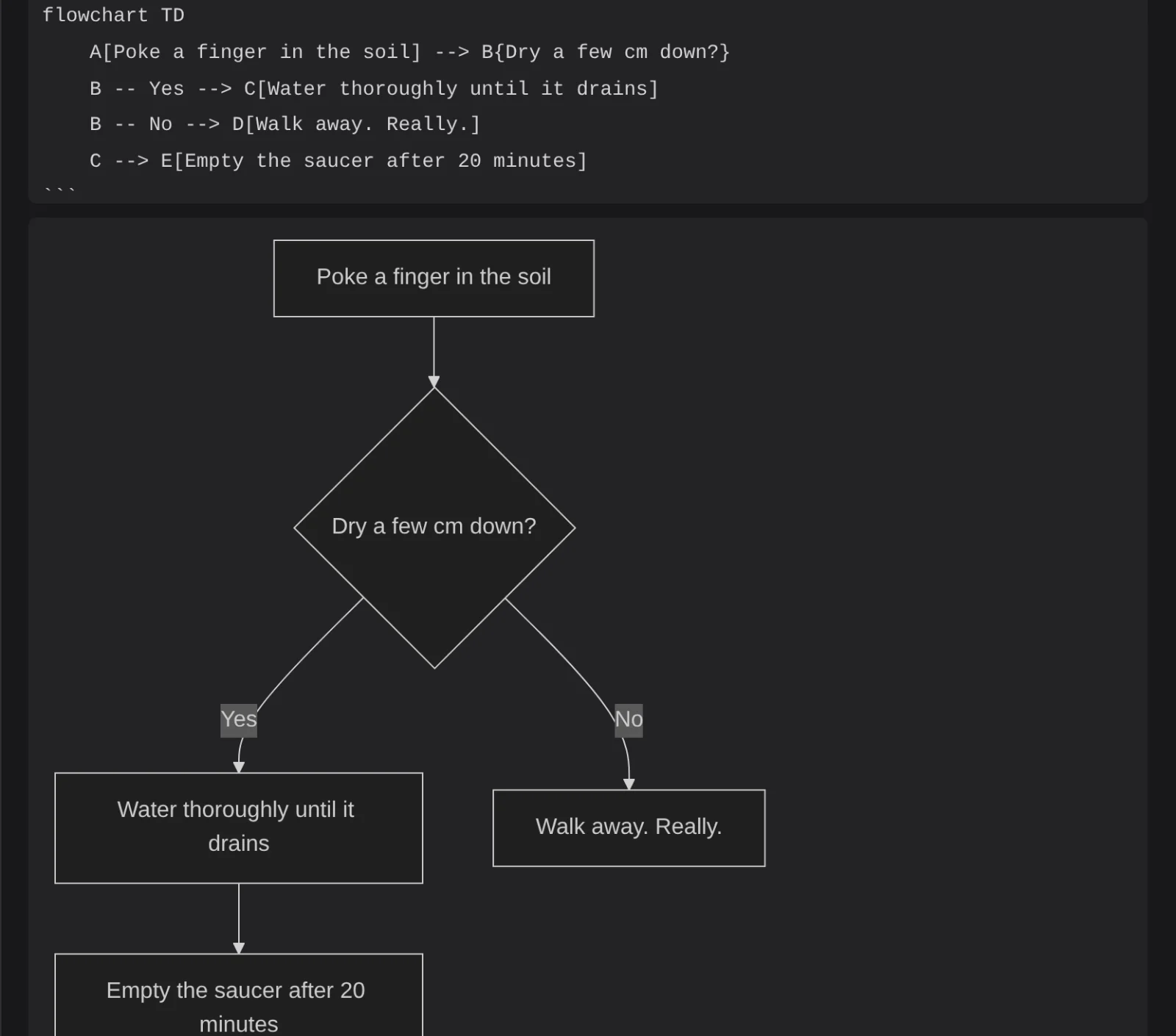
With the cursor outside the block, a diagram that Mermaid cannot read shows as a card that says "⚠ mermaid won't render".
Extension blocks
Extensions keep their data in extension blocks, whose language word is the extension id, a dot and a name, such as excalidraw.drawing. When the extension is switched on, and installed if it comes from the Extension Directory, it draws the block in place. The extension reads every line of the block, so change those lines only through it. The drawings that come with EtherPK are extension blocks. See Drawings for more information.
If the extension is not installed, is switched off or fails to start, you see a note instead: "Content from the {id} extension, which isn't running here." Select Show text to see the lines. See Extensions for more information.
Code, maths and diagrams on a published site
A published site colours code in the same languages as the editor and typesets maths with KaTeX, in fonts that are published with the site. Publishing turns each diagram into a picture, so the site loads no diagram script. See Publishing Your Notes As A Website for more information.
A diagram that Mermaid cannot read stays as text, and the publish report warns about it. See Troubleshooting for more information.
Only its own extension can publish an extension block. If the extension is switched off or not installed, the block is left out and the publish report names the document. The Headless Client runs no extensions, so it leaves out every extension block except a drawing, which it can draw (Drawings).